Document Template Builder
Cut The Time Spent Designing
Templates With Little To No Code
Effortlessly design templates with our user-friendly drag and drop editor, no coding knowledge required!
Variables
Automate your data input with variables
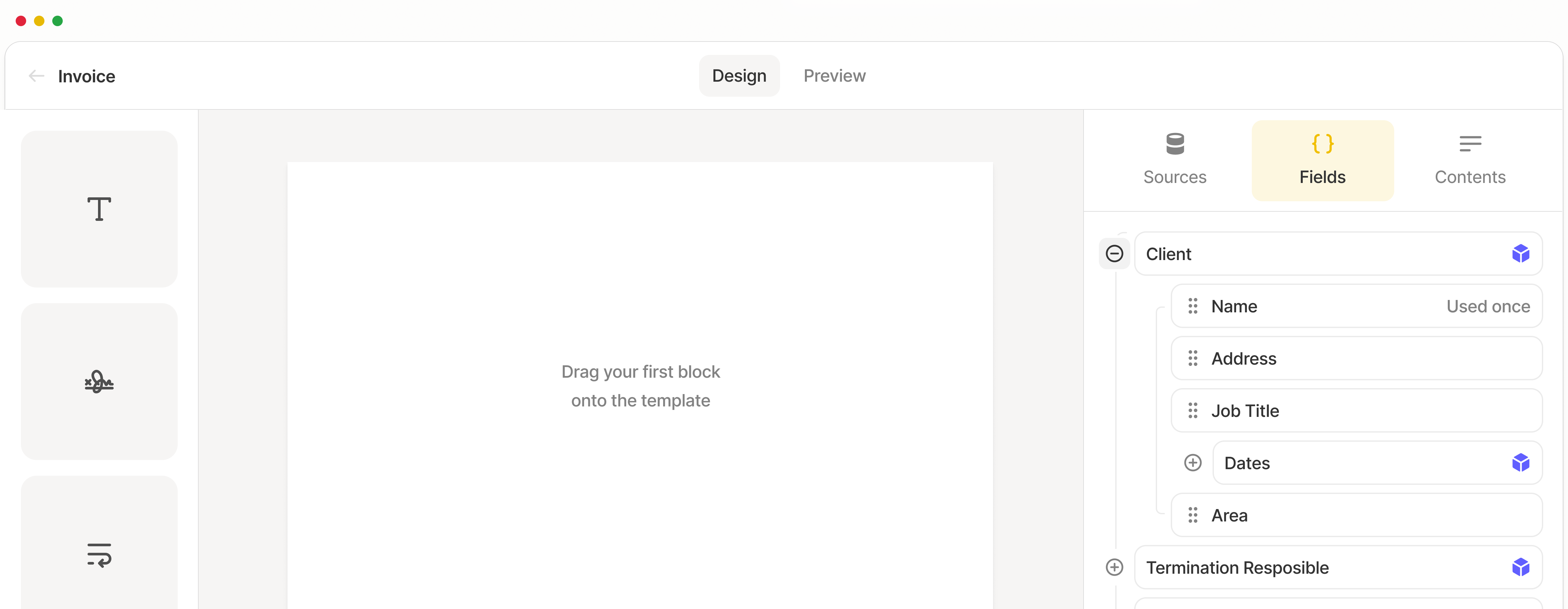
Drag-and-drop
Drag and drop elements to customize
Conditional Logic
Make your templates smarter
Custom Branding
Make templates your own
Looping
Add repeating sections effortlessly
Variables
Automate your data input with variables
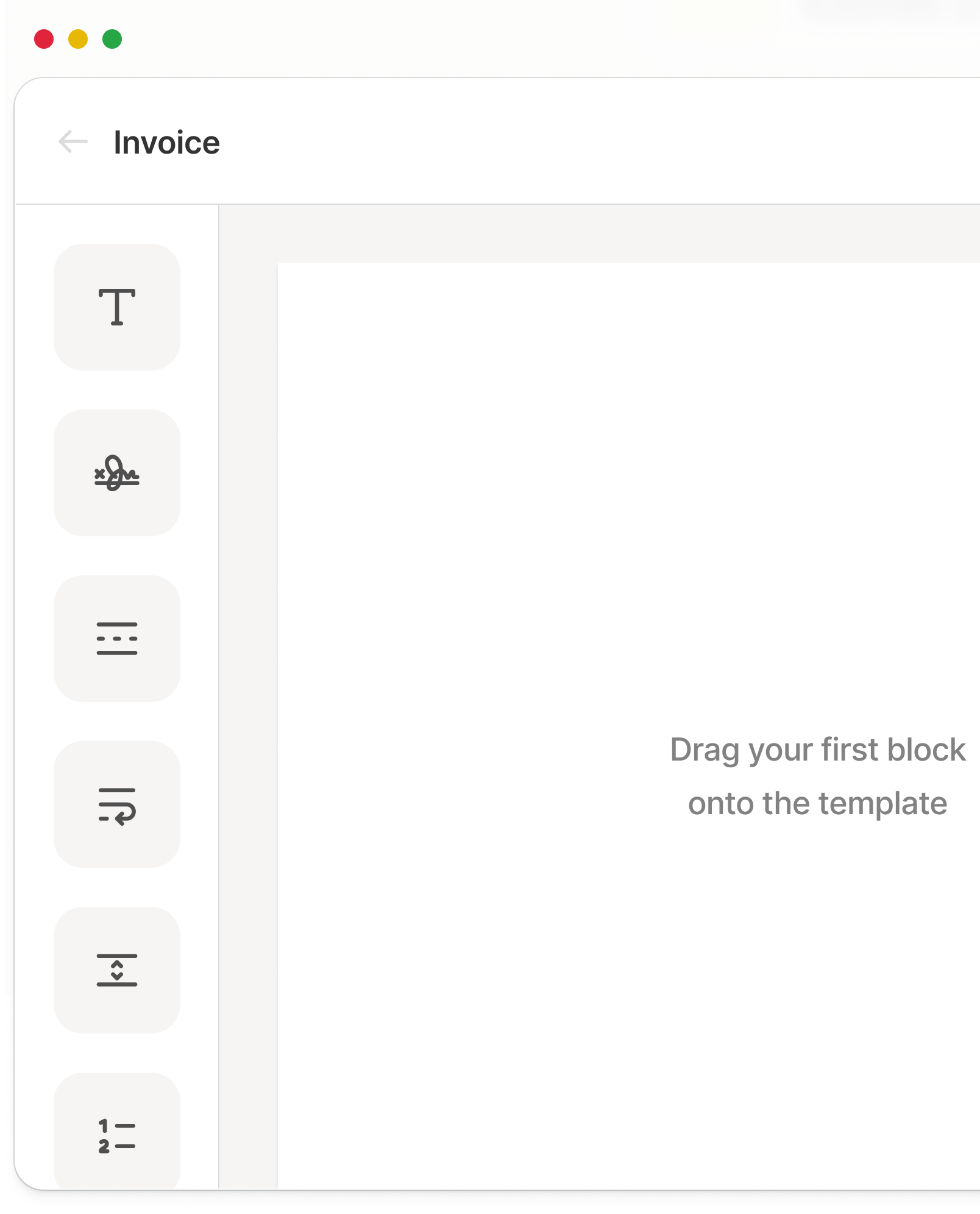
Drag-and-drop
Drag and drop elements to customize
Custom Branding
Make templates your own
Trusted by more than 5,000 companies


Drag-and-drop Template Designer
Build your perfect template with ease using our powerful, user-friendly editor. Drag and drop elements to customize to your heart’s content.

Variables & Functions
Automate your data input with variables. Eliminate repetitive tasks and let your template pull in the information for you, straight from your database.

Looping
Save time with dynamic looping. Add repeating sections effortlessly, and eliminate manual typing for complex document structures.

Conditional Logic
Incorporate conditional logic to make your templates smarter. Include or exclude sections based on your specified rules for fully dynamic content.

Integrate With
Your Favorite Apps
Documint seamlessly integrates with hundreds of popular web applications to help you streamline your document creation and increase productivity.
Even More Features
Custom Headers + Footers
Add custom headers and footers with logos, page numbers, dates, or other dynamic information that automatically appears across every page.
Advanced Data + Time Formatting
Format dates and times your way. Customize layouts, support any locale, and display dynamic values consistently across every document.
Embedded Iframes
Embed live web content directly into your templates. Display external pages, forms, dashboards, or other interactive content without leaving Documint.
Dynamic File Names
Automatically generate file names using dynamic data. Keep your documents organized with clear, consistent names based on fields like customer, date, invoice number, or any other value.
Markdown Support
Render rich, formatted content with Markdown. Add headings, lists, links, bold, italics, and more with simple, easy-to-write syntax.
Template Previewer
Ensure every template looks just right with our real-time previewer. See exactly how your documents will appear with sample data before you finalize
“The more I learned about it, the more I could see it benefiting our company. I have only created a few templates this far, but I plan to make so many more. I love that this software becomes the grease to our system, making things move quickly and efficiently. It has essentially cut out an entire data-entry hire, not only saving our company a lot of money but also eliminating human error.”
Savannah B.
Explore use cases
Take a look at how we can help
By Industry
Logistics operations supercharged
Solutions for the manufacturing industry
Focus on what matters most—your clients.
Lease contracts, property listings, and more.

Best Value 2022
You don’t need development skills to automatically generate documents from your data
Generate multiple documents and merge data in minutes without extensive development knowledge.
FAQ
More questions? Talk to us